 BE · EUR
 Canva Pro for less: what to check before you buy
According to Canva, Canva Pro is meant for one person. What to check with cheaper offers: account model, team workspaces, term and what happens to your designs afterwards.
View prices and offers
In the Pinclair shop
Products for this guide.
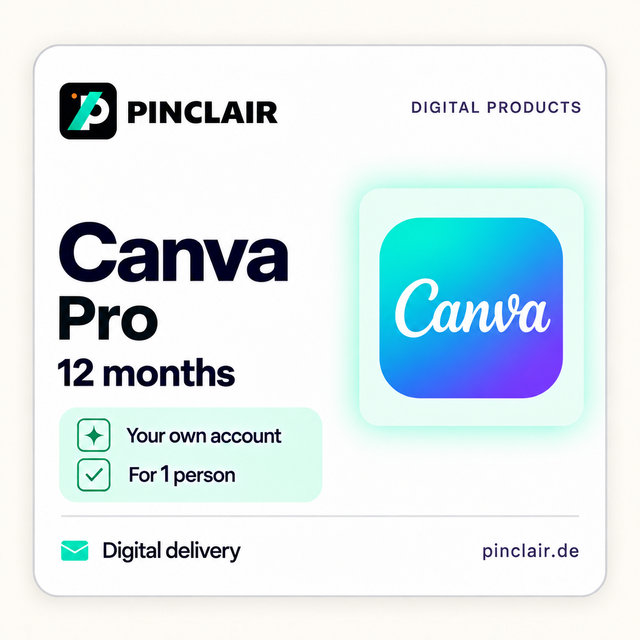
You can find requirements and details on each product page.
As of 21 September 2026. According to Canva, Canva Pro is the plan for individuals, while Canva Business is meant for teams. If you want to use Canva Pro for less, check four things before you buy: which account Pro runs on, who manages it, how long it lasts and what happens afterwards.
Canva Pro, Business and team workspaces
According to Canva, Canva Pro is aimed at individuals who want premium tools and templates. Canva Business is designed for teams and adds higher AI usage limits, brand management and marketing features. The former Canva Teams plan is no longer available for new sign-ups.
Important for team workspaces: according to Canva, designs created in a team workspace belong to that workspace. Anyone removed from a team loses access to the plan and to the designs created there. Personal designs outside the team workspace remain accessible in your own account.
What you receive from Pinclair
- Twelve months of Canva Pro from setup, for one person.
- Premium templates, photos, graphics and other design content.
- Tools for removing backgrounds and resizing designs, plus Brand Kits for your colours, fonts and logos.
- An additional Pro seat for another person is not included.
- One-time purchase: it creates no automatic renewal and no further subscription charges from Pinclair.
The applicable Canva Pro feature set applies. Canva may change features, and AI tools may have usage limits. The current price is shown on the product page.
New or existing account
In your cart, you choose whether we create a new account or use your existing account. For a new account, you receive the login details by email. Afterwards, change the password and check the recovery details. A new account starts without your previous designs.
For an existing account, enter its email address and a temporary password in the protected form in your cart. Change the password before entering it and again once we have confirmed setup is complete. We delete the login details after setup.
If your account already has a paid Canva subscription, please check the setup with our support team before purchasing.
Check your plan after setup
According to Canva, you can see which plan is active on an account in Settings under Payments and plans, in the Billing section. If you have several Canva accounts, for example through different email addresses or Google and Apple sign-ins, check the right account there.
What happens after twelve months
According to Canva, the account becomes a Free plan once the paid period ends. Pro elements in your designs then appear with watermarks on the Free plan. To use premium features again, a paid plan is needed.
When Canva can be free
According to Canva, primary and secondary school teachers, their students and qualified schools receive Canva Education free of charge. If this applies to you, check this route before buying.
Frequently asked questions
Can I share Canva Pro with other people?
According to Canva, Canva Pro is meant for one person. Pinclair's offer does not include an additional Pro seat for another person. For teams, Canva offers the Canva Business plan.
Does Pinclair's offer renew automatically?
No. It is a one-time purchase for twelve months from setup. It creates no automatic renewal and no further subscription charges from Pinclair.
Does Pinclair need my Canva password?
Only if we are to set up Canva Pro on your existing account. In that case, you enter a temporary password in the protected form in your cart and change it after setup. For a new account, you receive the login details from us by email.
What happens to my designs when it ends?
According to Canva, the account becomes a Free plan after the paid period. Pro elements in designs then appear with watermarks until a paid plan is active again.
How quickly is Canva Pro set up?
Digital delivery takes place no later than 24 hours after successful payment confirmation. Order review is included in this period.
Sources
Canva Help: Canva Teams, Pro and Business · Canva Help: checking your plan and when it ends · Canva Education · Canva plans overview
Editorial team: Pinclair. Responsible: Talha Rasitoglu. Updated: 21 September 2026. Pinclair is an independent retailer and is not affiliated with Canva. Provider information may change. Your statutory rights remain unaffected.