 AU · AUD
 Grammarly Premium or Pro: differences before you buy
According to Grammarly, Premium is the plan for individuals via the App Store and Google Play, and Pro is the web plan with team features. How they differ and how Pinclair's offer fits.
View prices and offers
In the Pinclair shop
Products for this guide.
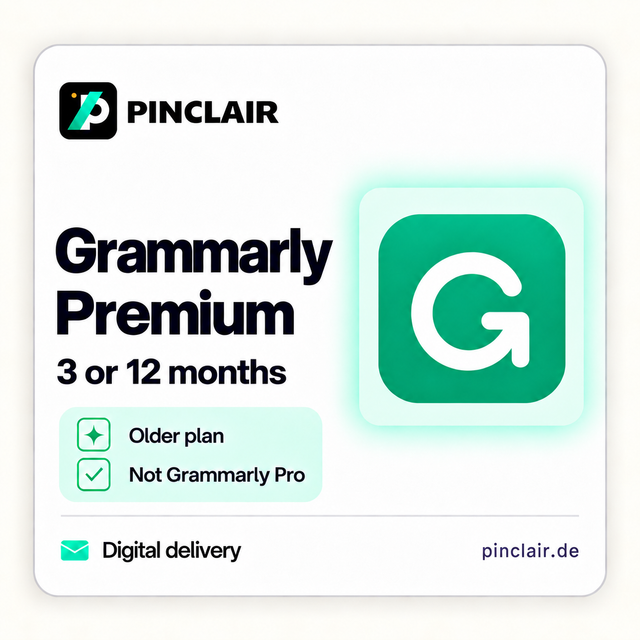
Grammarly Premium
3 months
Grammarly Premium
12 months
You can find requirements and details on each product page.
As of 21 September 2026. Grammarly currently distinguishes two paid plans: Premium, available through the App Store and Google Play, and Pro, available through the Grammarly website. For individuals, the main question is whether they need team features.
Premium and Pro compared
| Feature | Premium | Pro |
|---|---|---|
| Available through | App Store and Google Play | Web purchase |
| Full-sentence rewrites, tone suggestions, plagiarism detection | Included | Included |
| Generative AI prompts per month | 1,000 | 2,000 |
| Team features and admin controls | Not included | For up to 149 members |
| Style guides, brand tones, snippets, usage analytics | Not included | Included |
According to Grammarly, Premium is designed for individual users and works on both mobile and desktop. Premium subscriptions bought directly on the Grammarly website are gradually being upgraded to Pro. Premium subscriptions through the App Store or Google Play remain Premium.
What you receive from Pinclair
Pinclair offers Grammarly Premium for three or twelve months from setup. This is the mobile Premium plan; an automatic switch to Pro is not included. Premium also works on a PC: sign in on your supported devices with the same Grammarly account.
It is a one-time purchase for the selected term. It creates no automatic renewal and no further subscription charges from Pinclair. The current price for both terms is shown on the product page.
New or existing account
In your cart, you choose whether we create a new account or use your existing account. For a new account, you receive the login details by email. Afterwards, change the password and check the recovery details.
For an existing account, enter its email address and a temporary password in the protected form in your cart. Change the password before entering it and again once we have confirmed setup is complete. We delete the login details after setup.
If your account already has a paid Grammarly subscription, please check the setup with our support team before purchasing.
Which plan suits you?
Grammarly recommends Premium for individuals looking for a writing assistant on mobile and desktop, and Pro for working in a team. If you need style guides, shared snippets or admin features, Premium is not the right fit.
Frequently asked questions
What is the difference between Grammarly Premium and Pro?
Both include full-sentence rewrites, tone suggestions and plagiarism detection. According to Grammarly, Pro offers twice the generative AI prompts (2,000 instead of 1,000 per month), team features for up to 149 members, and style guides, brand tones, snippets and usage analytics.
Does Grammarly Premium work on a PC?
Yes. According to Grammarly, Premium works on both mobile and desktop. Sign in on your supported devices with the same Grammarly account.
Will my Premium subscription be switched to Pro?
Not on the mobile Premium plan. According to Grammarly, only Premium subscriptions bought directly on the website are upgraded to Pro; subscriptions through the App Store or Google Play remain Premium. Pinclair's offer is the mobile Premium plan.
Which terms does Pinclair offer?
Three or twelve months from setup, each as a one-time purchase. It creates no automatic renewal and no further subscription charges from Pinclair.
Does Pinclair need my Grammarly password?
Only if we are to set up Premium on your existing account. In that case, you enter a temporary password in the protected form in your cart and change it after setup. For a new account, you receive the login details from us by email.
Sources
Grammarly Support: Grammarly Pro and Premium · Grammarly plans overview
Editorial team: Pinclair. Responsible: Talha Rasitoglu. Updated: 21 September 2026. Pinclair is an independent retailer and is not affiliated with Grammarly. Provider information may change. Your statutory rights remain unaffected.